


























'CyberGuy' warns of creepy privacy clauses in smart devices
Kurt "CyberGuy" Knutsson warned of worrying privacy clauses in smart devices in a recent episode of the "Beyond Connected" podcast.
Many of the apps and devices we use every day contain privacy terms most people never read. Yet those clauses often allow extensive data harvesting, behavioral tracking and long-term storage of personal information. Some even allow companies to access recordings or share data with partners.
The reality is simple. Smart devices inside your home and car can build detailed profiles about your daily life. Your schedule. Your habits. Even your conversations. One way I explain this to people is simple. Your phone knows where you go. Your smart home knows what you do when you get there. I unpack how this works in everyday life on my Beyond Connected podcast at getbeyondconnected.com. In many cases, these devices are not just reacting to you. They are actively logging, analyzing, and storing your behavior by default, often without you realizing it.
Let's walk through five privacy clauses that surprise most people. We will start with number five and count down to the most unsettling one.
YOUR PHONE SHARES DATA AT NIGHT: HERE'S HOW TO STOP IT
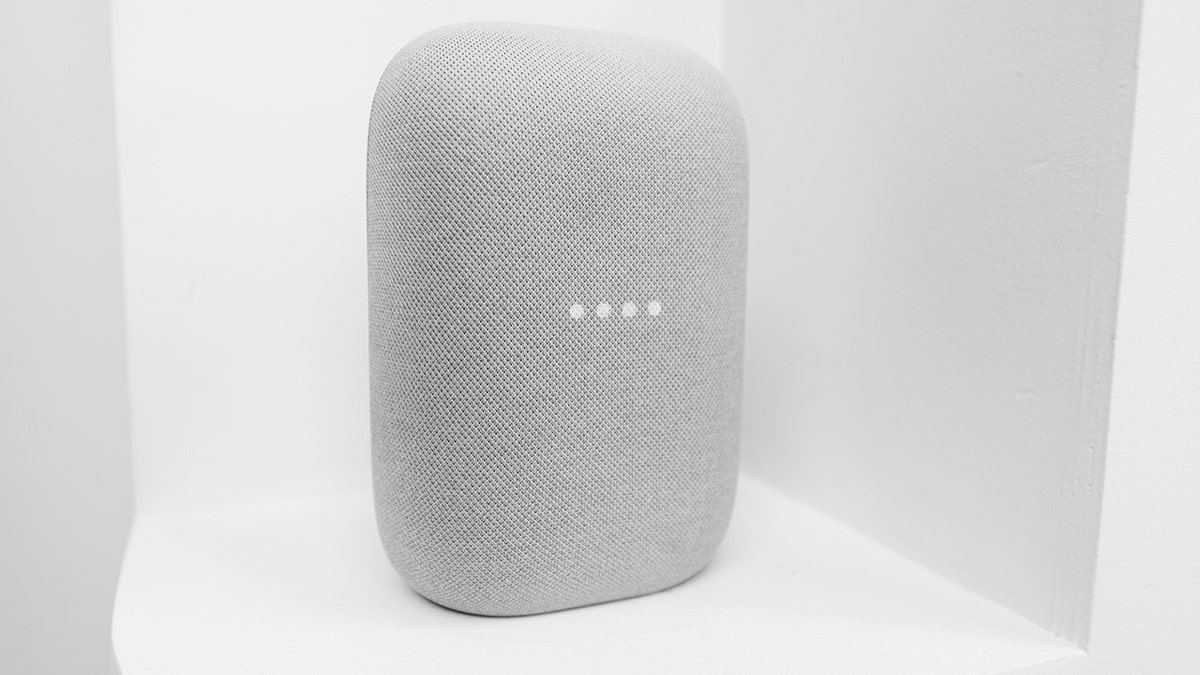
The Nest Audio, the newest speaker with a virtual assistant by Google, is being exhibited on the Android Smart Home display during the Mobile World Congress 2023 on March 2, 2023, in Barcelona, Spain. (Joan Cros/NurPhoto)
Sign up for my FREE CyberGuy Report
- Get my best tech tips, urgent security alerts and exclusive deals delivered straight to your inbox.
- For simple, real-world ways to spot scams early and stay protected, visit CyberGuy.com trusted by millions who watch CyberGuy on TV daily.
Plus, you'll get instant access to my Ultimate Scam Survival Guide free when you join.
Clause No. 5: 'We log and share your driving data'
Today's vehicles are no longer just transportation. Many now operate as connected computers on wheels. Connected vehicle platforms and systems, such as Android Automotive OS, collect large amounts of telemetry data.
That can include:
- Vehicle speed
- Seat usage
- Climate controls
- Location and trip data
Researchers have found that vehicles may gather dozens or even hundreds of data points during normal driving. In some cases, researchers found that vehicle speed can be logged as frequently as 25 times per second, creating a highly detailed record of how you drive.
What this means for drivers
Your car may know:
- Where you drive
- When you drive
- How aggressively you accelerate or brake
- Which seats are occupied
That data can be used to infer stops, turns, and even risky driving behavior. In some cases, it may also be shared with third parties for advertising, insurance, or financing purposes. In other words, your vehicle can create a detailed picture of your driving behavior and routines. Many drivers never realize how much information their car collects.

The new Alexa+ is powered by a more responsive AI. (iStock)
Clause No. 4: 'We track what you watch'
Your television may be one of the most active data collectors in your home. Many smart TVs from brands like Samsung, LG, and Roku use a technology called Automatic Content Recognition, often shortened to ACR.
ACR can analyze what appears on your screen across:
- Streaming apps
- Cable television
- Gaming consoles
- HDMI devices
This technology works in real time, identifying what you are watching and reporting that information back to the company. Some policies even state that snippets of audio or video may be shared with third parties to match ads to your viewing. Some lawsuits have alleged that certain TVs capture screenshots extremely frequently to identify content.
Why this matters
Your TV can learn:
- What shows you watch
- When you watch them
- How long you stay on each program
- Which devices you connect to the TV
That means the show you binge, the time you watch it, and even how long you stay engaged can be packaged and sold to advertisers almost instantly. That viewing data may then be shared with advertising partners to build detailed marketing profiles.
Clause No. 3: 'We track your behavior and location'
Video doorbells are designed to increase home security. Yet they can also gather large amounts of behavioral data. Devices like the Ring Video Doorbell may automatically collect information such as:
- Device identifiers
- Browsing activity
- Usage patterns
- Timestamps
Privacy disclosures also show that these devices can collect geolocation data, IP addresses, and details about the devices connected to your network.
What that data can reveal
Over time, a doorbell camera can build a timeline that shows:
- When you leave home
- When deliveries arrive
- How often visitors come
- Which devices connect to your network
Put together, this creates a detailed map of your daily routine, including when you are home, when you are away, and how your household operates. Individually, these signals seem harmless. Together, they can reveal detailed patterns about your household. If an account is ever compromised, that data can act as a blueprint of your life, not just a camera feed.
Clause No. 2: 'Humans may review your recordings'
Some smart devices store recordings that help improve voice recognition and AI systems. Devices that may store recordings include:
- Amazon Echo smart speakers
- Ring video doorbells
Past regulatory findings have raised concerns about how companies manage that stored data. In some cases, recordings may be accessed by:
- Human reviewers
- Contractors
- Internal teams that are training AI systems
Some company disclosures state that a small number of recordings may be reviewed by research and development teams to improve products and services.
Why this clause raises eyebrows
The goal of human review is often to improve voice assistants or detect errors. Still, many users never realize that recordings captured inside their homes may be reviewed by people. That means a conversation in your living room or a clip from your front door could be seen or heard by someone you have never met. Transparency about how this process works remains an ongoing discussion across the tech industry.
Clause No. 1: 'We store your voice indefinitely'
Voice assistants sit quietly in kitchens, bedrooms, and living rooms waiting for their wake word. Devices like the Amazon Echo process voice commands in the cloud.
According to company disclosures, voice interactions can include:
- Audio recordings sent to cloud servers
- Transcripts stored in your account
- Voice data used to improve services
In many cases, these recordings are saved by default and can remain stored indefinitely unless you manually delete them or change your settings.
Why this is the most surprising clause
Over time, your voice assistant may accumulate years of audio interactions. That can include everything from grocery lists and song requests to conversations you did not even realize were captured. That history can reveal daily routines, requests, shopping habits, and personal questions. Most people never review or delete those recordings.
Why smart devices are a privacy multiplier
Each individual device collects only part of the picture. Together, they can reveal an astonishing amount of detail about your life. Smart devices inside your home and vehicle may capture:
- Conversations
- Daily schedules
- Viewing habits
- Location history
- Visitor patterns
- Voice biometrics
Combined, this data allows companies to build extremely detailed behavioral profiles. That is why privacy experts call connected homes a data multiplier. In many cases, the value of that data is part of the business model, helping offset the cost of the devices themselves.
5 privacy moves to take back control of your tech
The good news is you still have ways to reduce how much information your devices collect. Here are a few practical steps that can make a big difference.
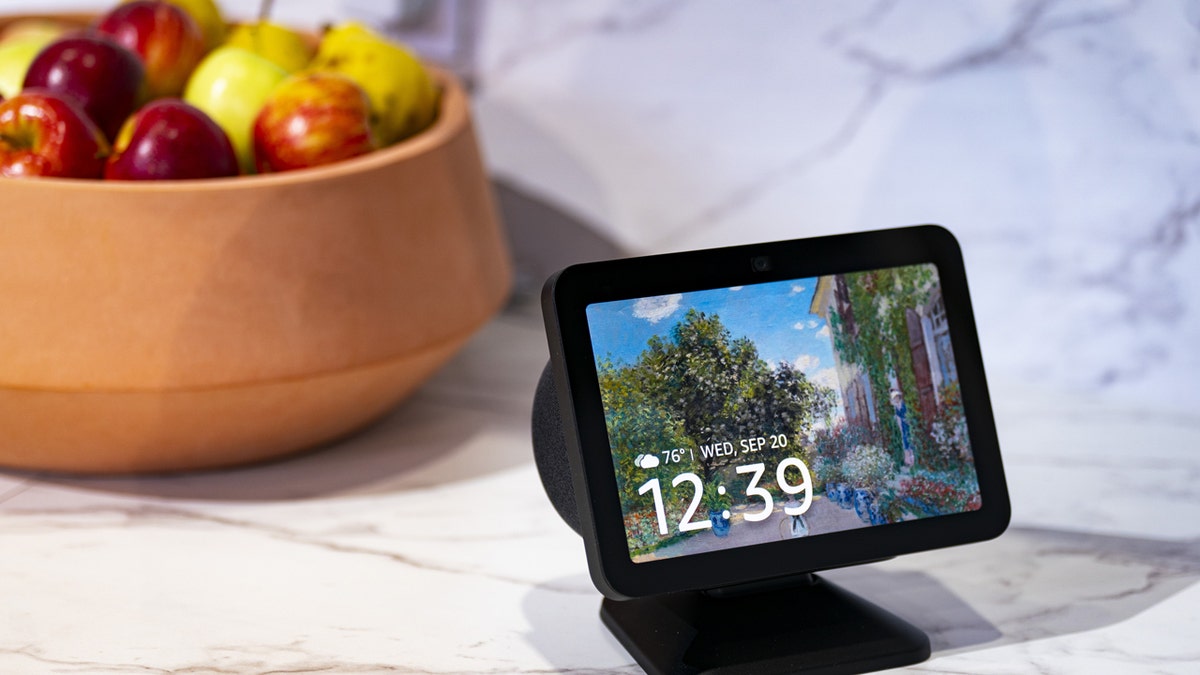
An Amazon Echo Show 8 smart-home device during the Amazon Devices and Services event at the HQ2 campus in Arlington, Virginia, US, on Wednesday, Sept. 20, 2023. Amazon.com Inc. previewed a push into generative artificial intelligence with new features for its Alexa voice assistant. (Al Drago/Bloomberg)
No. 5: Audit your app permissions
Start by reviewing what access your apps have to your devices. If you use smart home apps like Ring, also check in-app privacy settings such as Control Center and turn off sharing with third parties where available.
On iPhone
- Open Settings
- Tap Privacy & Security
- Select Location Services, Microphone or Camera
- Review which apps have access
Whenever possible, set location access to While Using the App rather than Always.
On Android
Settings may vary depending on your Android phone’s manufacturer
DATA BROKERS ACCUSED OF HIDING OPT-OUT PAGES FROM GOOGLE
- Open Settings
- Tap Security and Privacy
- Tap More privacy settings
- Select Permission Manager
- Review Location, Microphone, and Camera permissions
Whenever possible, set location access to Allow only while using the app rather than Allow all the time.
Removing unnecessary permissions helps limit background tracking.
No. 4: Turn off smart TV tracking
Most TVs include a setting that controls content tracking.
Look for options such as:
- ACR
- Viewing Data
- Interest-Based Ads
On Roku, go to Settings → Privacy → Smart TV Experience and disable it. On Samsung, look for Viewing Information Services and turn it off.
Turn these features off in the privacy or advertising section of your TV settings.
No. 3: Use stronger passwords
Smart home devices often connect to important accounts. If attackers access those accounts, they may control cameras, speakers, or home automation systems. Use strong, unique passwords and enable two-factor authentication (2FA) whenever available. A password manager can help generate and store secure passwords.
Next, see if your email has been exposed in past breaches. Our No. 1 password manager (see Cyberguy.com) pick includes a built-in breach scanner that checks whether your email address or passwords have appeared in known leaks. If you discover a match, immediately change any reused passwords and secure those accounts with new, unique credentials.
Check out the best expert-reviewed password managers of 2026 at Cyberguy.com.
5 TECH TERMS THAT SHAPE YOUR ONLINE PRIVACY
No. 2: Delete old apps and accounts
Dormant apps and forgotten services often keep your personal information for years.
Take time to:
- Remove apps you no longer use
- Close accounts tied to old services
- Revoke unused permissions
Cleaning up digital clutter reduces your data footprint.
Remove apps you no longer use
On iPhone (iOS 18 and newer)
- Find the app on your Home Screen
- Press and hold the app icon
- Tap Remove App
- Tap Delete App
- Tap Delete to confirm
You can also remove apps through storage settings:
- Open Settings
- Tap General
- Tap iPhone Storage
- Select the app
- Tap Delete App
- Tap Delete to confirm
Deleting the app removes it from your device and frees up storage space.
On Android (Android 14 and newer)
Settings may vary depending on your Android phone’s manufacturer.
- Find the app on your Home Screen or App Drawer
- Press and hold the app icon
- Tap Uninstall
- Tap OK or Uninstall to confirm
You can also remove apps through settings:
- Open Settings
- Tap Apps or Apps & notifications
- Select the app you want to remove
- Tap Uninstall
- Tap OK or Uninstall to confirm
Removing unused apps helps reduce the amount of data stored on your device.
Revoke unused permissions
Some apps continue accessing your camera, microphone or location even when you rarely use them.
On iPhone
- Open Settings
- Tap Privacy & Security
- Select a category such as Location Services, Microphone or Camera
- Review the apps listed
- Turn off access for apps that do not need it
You can also control tracking:
5 MYTHS ABOUT IDENTITY THEFT THAT PUT YOUR DATA AT RISK
- Go to Settings
- Tap Privacy & Security
- Tap Tracking
- Turn off tracking for apps you do not trust.
On Android
Settings may vary depending on your Android phone’s manufacturer
- Open Settings
- Tap Security & Privacy
- Tap Privacy or More privacy settings
- Tap Permission Manager
- Select Location, Camera or Microphone
- Review the apps listed and remove access if needed
Android groups permissions by type so you can quickly see which apps access sensitive features.
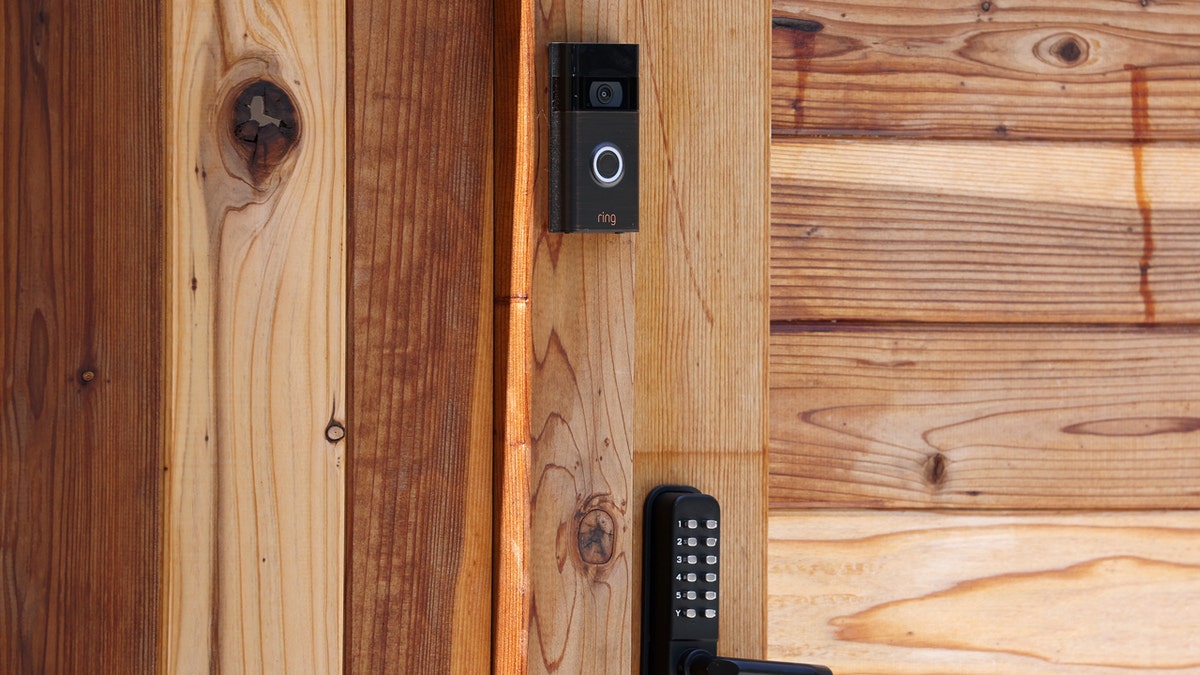
A Ring security camera is seen on the fence of a home on June 1, 2023, in San Anselmo, California. Amazon has agreed to pay the Federal Trade Commission over $30 million in a privacy settlement over its Ring cameras. The company's Ring doorbell division paid $5.8 million for violating a portion of the FTC Act that prohibits unfair or deceptive business practices and $25 million for violating the Children’s Online Privacy Protection Act by illegally retaining Alexa voice assistant profiles of thousands of children. (Justin Sullivan/Getty Images)
Today's phones may automatically remove permissions from apps you have not used for a long time, but many apps still retain data tied to your account. Reviewing them manually helps reduce tracking and background data collection.
No. 1: Limit always-listening devices
Smart speakers constantly wait for wake words like "Alexa" or "Hey Google." That means the microphone stays active so the device can detect commands. If you rarely use these features, limiting them can reduce how much audio data leaves your home. Here are some simple ways to reduce always-listening devices.
Mute the microphone on smart speakers
Most smart speakers include a physical microphone mute button.
Press the mic mute button on devices like:
- Amazon Echo
- Google Nest speakers
- Apple HomePod
When muted, the device stops listening for wake words.
Unplug devices in private spaces
Bedrooms and home offices are common places where people prefer extra privacy. If a speaker or smart display is rarely used in those rooms, unplugging it removes the microphone entirely.
Review voice recordings in your account
Many voice assistants store past interactions. You can review and delete recordings inside the companion apps, such as:
- Alexa app
- Google Home app
- Apple Home app
Set recordings to auto-delete or choose not to save them at all, where that option exists. Removing stored recordings prevents them from accumulating over time.
Disable voice activation on some devices
Some smart TVs, phones and tablets include voice assistants. Look in device settings for options such as:
- Voice assistant
- Voice wake word
- Hands-free voice control
Turning those features off stops devices from constantly listening. Even though devices listen only for wake words, the microphones remain active. Limiting where these devices operate helps reduce the amount of audio data collected inside your home.
Kurt's key takeaways
Smart devices make daily life easier. They play music, answer questions, show visitors at the door and control lights with a voice command. But convenience often comes with hidden trade-offs. Many privacy clauses are buried deep in policies that most people never read. Over time, those permissions allow companies to gather enormous amounts of behavioral data. That does not mean you need to abandon smart technology. It simply means understanding what your devices collect and deciding what level of access you are comfortable with. Many of these settings are enabled by default, not because you chose them, but because you never knew they were there. A quick privacy audit today can prevent years of unnecessary data collection tomorrow. Oh, and if you want a deeper dive into how these hidden data practices affect your daily life, check out the latest episode of my Beyond Connected podcast at getbeyondconnected.com, where we break it down.
Here is a question worth asking yourself: If every smart device in your home combined its data into one timeline of your life, how comfortable would you feel with someone seeing it? Let us know by writing to us at Cyberguy.com.
CLICK HERE TO DOWNLOAD THE FOX NEWS APP
Sign up for my FREE CyberGuy Report
- Get my best tech tips, urgent security alerts and exclusive deals delivered straight to your inbox.
- For simple, real-world ways to spot scams early and stay protected, visit CyberGuy.com trusted by millions who watch CyberGuy on TV daily.
- Plus, you'll get instant access to my Ultimate Scam Survival Guide free when you join.
Copyright 2026 CyberGuy.com. All rights reserved.
